
If you are building an online business, the first practical question is cost. How much does it actually take to start a blog in year one, and where does that money go?
The range is wider than most people expect. You can launch with minor expenses. That low barrier is one reason blogging still works as a business model for operators who treat it like infrastructure, not a hobby.
Updated 2026.
1What’s the Purpose of Your Blog?
Before you buy hosting or pick a theme, get clear on intent. That decision drives almost every cost line item downstream.
Are you running a personal blog for fun, a hobby site that might earn something, or building a real online business?
If monetization is off the table, keep costs minimal. Most new bloggers I talk to want revenue eventually, whether that is side income or full-time.
This article assumes making money is one of your goals.
Blogging is a legitimate business. I have earned a living from it for over a decade. You have seen income reports from bloggers pulling five and six figures per month.
There are not many real businesses you can start for under $100. Blogging is one of them.
Keep that frame as we walk through costs. Some optional line items look high in isolation. As a business investment, they are still modest.
2What About Free Blogging Platforms?
If you are 100% sure you will never monetize or use the site for business, a free platform costs nothing.
If there is any chance you want revenue later, skip free platforms.
Free blogs come with ads, generic domains, and limited control. A subdomain like myblog.weebly.com hurts SEO and looks unprofessional. You also will not qualify for affiliate programs like Amazon’s with that setup.
For under $100, you get a domain and a year of hosting. Full control over your site. Small spend, large upside.
Starting free and migrating later is possible. Starting correctly from day one is simpler.
3The Essential Costs of Starting a Blog
A few expenses are non-negotiable. You probably already have the first one.
Desktop or Laptop Computer
You need a computer to write and manage the site. If you are reading this, you likely already own one.
You do not need a powerful machine. An inexpensive laptop or Chromebook handles browser-based work fine.
For $500 or less, you can find something that meets your needs.
Domain Name
A domain name is your site’s address. getlasso.co is ours.

Register through a registrar like GoDaddy or Namecheap. Cost depends on registrar and TLD, but expect about $10 – $20 per year.
My pick: Namecheap. They include free privacy protection so your name and address stay out of public WHOIS records.
Some hosts include a free domain for the first year, so you can defer this cost at launch.
Hosting
Web hosts store your site files and keep the site online. Thousands of providers exist. For a new blog, a basic plan is enough.
Bluehost and HostGator are popular. Plans start under $5 per month.
Prices are listed monthly, but the lowest rates usually require paying two or three years upfront.
Paying long term can look cheaper. It also locks you into that host unless you eat unused hosting fees.
My preference: pay no more than one year upfront. That keeps your exit option open.
One year of low-cost hosting runs about $50 – $75, depending on host and plan.
With domain and hosting in place, install WordPress. It is the most popular CMS and the right default for a monetizable blog.
Make sure you are on WordPress.org, not WordPress.com.
WordPress installs free with a couple of clicks.
If you can spend more on hosting, consider a managed WordPress host like WP Engine.
WP Engine starts at $25 per month ($300 per year). That is a big jump from Bluehost or HostGator.
You get faster load times, stronger security, and backups. Performance alone can justify the spend once traffic and revenue grow.

Starting at $30 a month
We host all of our sites with WP Engine, nuff said. They are the best WordPress managed-hosting service that we’ve found. And we’ve tried most of them. Nothing beats the power and ease of use of their admin tools.
We earn a commission if you make a purchase, at no additional cost to you.
To keep launch costs low, start on cheap hosting for year one. Upgrade when the blog is earning enough to cover the difference.
Total Costs of the Essentials: $100 or Less
If you already have a computer, you can launch for under $100 on an inexpensive hosting plan.
If you need hardware, add a $500 laptop or Chromebook. That puts essentials at about $600.
4Optional Costs for Serious Bloggers
Essentials are cheap. Operators building real revenue also invest in tools that save time and improve conversion.
For a deeper breakdown of monetization stack costs, see our post on affiliate marketing tools.
Design & WordPress Theme
Appearance matters for trust and conversion. You can hire a designer for a custom theme or buy a premium WordPress theme.
Designer rates vary. A custom WordPress theme averages about $2,000 – $3,000.
You can find cheaper designers. Results often match the price.
A custom look is tempting. For most new bloggers, it is not the best use of capital.
Premium themes deliver professional results at a fraction of the cost. You also get layout flexibility without hiring someone for every change.
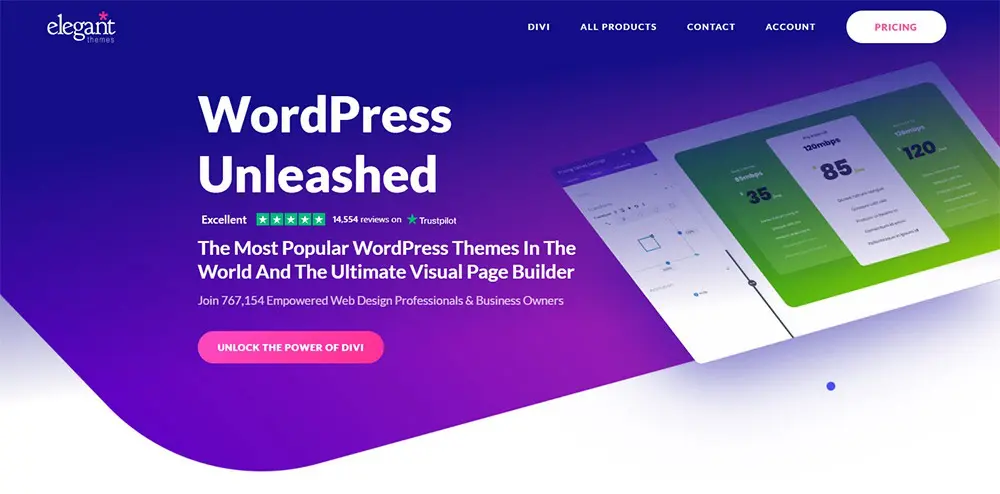
Most premium themes run $50 – $200 per year. Elegant Themes is a common choice.
Their membership ($89 annually) includes Divi and Extra, both highly customizable. Envato Market themes run $50 – $100 for a single purchase.
Related reading: How Often Should I Blog (Here’s Your Magic Number)? and 20 of the Best WordPress Plugins for Boosting Your Site’s Utility.
Logo
A logo helps branding and recall. It is not required to succeed, but it signals professionalism.
Budget options on Fiverr, Upwork, or Envato templates can land a logo for under $100.
For a larger budget, 99designs runs contests starting at $299. Designers submit concepts. You pick a winner.
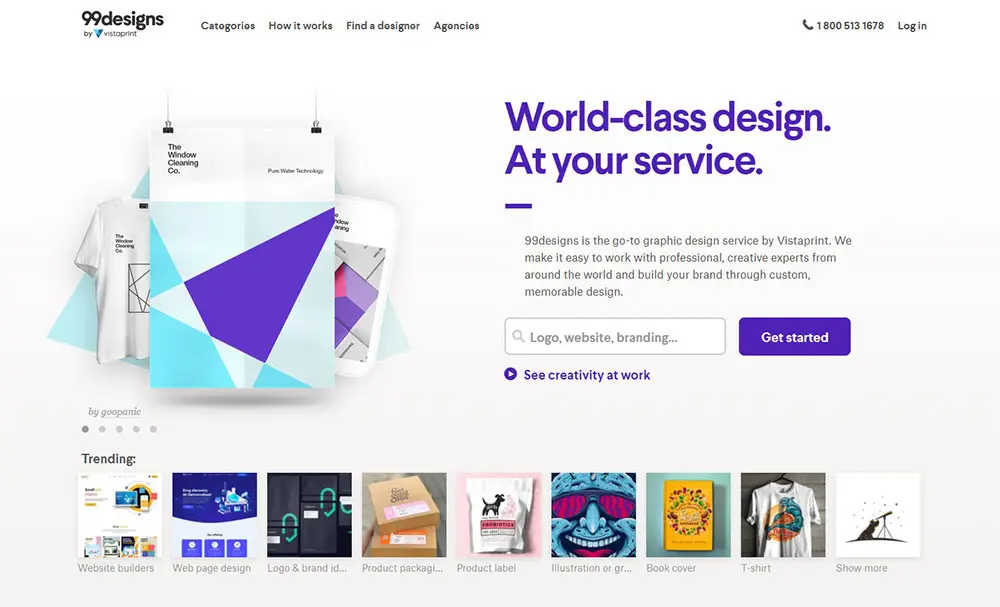
Hiring a dedicated graphic designer can cost thousands depending on talent and scope.
For most new bloggers, the sub-$100 route is the right call. Rebrand later when revenue supports it.
Plugins
WordPress plugins extend functionality. Some are free. Others are paid. Your stack depends on niche and monetization model.
If affiliate revenue is part of the plan, Lasso helps you monetize content and increase earnings from existing traffic.
Lasso: The All-In-One WordPress Plugin for Affiliate Marketing
A WordPress plugin that lets you add, manage, and display your affiliate links from any program, including Amazon. Increase conversions. Find new affiliate link opportunities. Earn more revenue! Less than 5 minutes to set up.

Budget $200 – $500 per year for plugins as a new blogger. That number tends to rise as revenue scales.
Content
You can write everything yourself. Many operators eventually outsource some production.
Freelancers and agencies price by content type, length, and topic complexity.
Cheap content exists. Quality at publish-ready level usually starts around $0.05 per word through an agency.
Qualified freelancers often cost more per word than agencies, depending on expertise.
Two 1,000-word posts per week at $0.10 per word equals $100 per post, or about $800 per month. Optional, but it adds up fast.
Highly technical topics (medical, tax, legal) can run $1 per word or higher.
My recommendation: write your own content early. You save money and learn what good output looks like before managing writers.
Advertising
Organic traffic from Google or Pinterest takes time. Paid ads can accelerate early momentum.
Some bloggers use ads to build an email list. Subscribers return. That beats buying one-time visits.
Affiliate revenue from that list can offset ad spend.
Facebook and Pinterest are common ad platforms for bloggers. Both support targeted campaigns.
Budget is flexible. You do not need thousands per month. Even $5 per day ($150 per month) can move the needle.
Realistic First-Year Budget: $600
Essentials can stay under $100. I recommend planning around $600 for year one if you want sensible upgrades:
- Domain name and hosting: $100
- Premium WordPress theme: $100
- Logo design: $100
- Plugins: $300
That averages $50 per month. Reasonable for a business with real monetization potential.
5Free Tools for Bloggers
Blogging has a strong free-tool ecosystem. Many paid tools have capable free tiers.
Free WordPress Themes
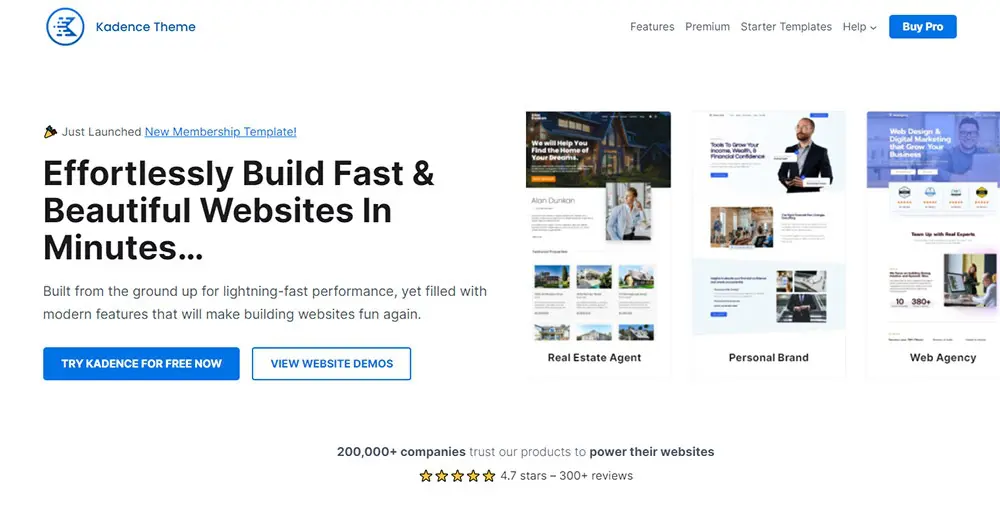
Premium themes are worth it when budget allows. Kadence and Astra are standout free options.
Both offer paid upgrades. The free versions are solid for cost-conscious launches.
Google Docs
Google Docs and Sheets replace paid office software for drafting and tracking. Access your files from any device.
Grammarly
Grammarly catches spelling and grammar issues. The paid tier adds features. The free version is enough to start.
We cover the tradeoffs in our Grammarly review.
Canva
Canva handles blog images and social graphics without design skills. The free tier covers most launch needs.
Free Stock Photos
Unsplash, Pexels, and Pixabay offer high-quality photos with commercial use allowed.
Email Marketing
Build an email list from day one. ConvertKit and MailerLite both offer free tiers up to 1,000 subscribers.
Social Media Tools
Buffer, Hootsuite, and Tailwind simplify social scheduling. Free plans are enough for most new bloggers.
6Final Thoughts
How much does it cost to start a blog in 2026? It depends on goals, choices, and budget.
You can launch for under $100 if you already have a computer. $600 gives you a realistic first-year stack with theme, logo, and plugins that support monetization.
Infrastructure decisions at launch compound. Domain, hosting, and WordPress set the foundation. Monetization tools determine how much revenue you capture from traffic you already earn.
Run a free Opportunities Scan on your site to find undermonetized product mentions in content that already ranks. Then use Lasso to turn those mentions into displays that convert.
Ready to build your affiliate revenue stack from day one? Get started with Lasso and optimize the links that power your blog business.

Gene Schleeter
Gene Schleeter is a husband, dog dad, avid anime fan, and Lasso's Growth Lead. He has a B.F.A in studio art, and taught himself digital marketing to fund his artistic pursuits. Now he's addicted to developing systems and building partnerships.